Online Access to Your Health Record
Get Connected. Anytime. Anywhere.
Having trouble logging into your MyChart account?
Call (219) 881-2848 for assistance accessing your account.
With MyChart, you can:
- Save time by checking in before you arrive at your appointment.
- Schedule, reschedule, or cancel appointments, no phone call required.
- Send secure messages to your providers.
- Start your video visit, meet with your healthcare team directly and securely.
- Manage your prescription refills and view your medication history.
- Link all your MyChart accounts from other organizations.
- Obtain proxy access to dependents or other accounts.
- View visits summaries, test results, discharge instructions, and more.
- Pay your bill and view your payment history.
View the video tutorials below to learn about utilizing MyChart features.
- Communications Preferences – Learn how to update communication preferences for yourself and others you care for.
- Messages – Learn how to read and send messages in your MyChart account.
- eCheck-in – Learn how to eCheck-in before a visit, even if you don’t have a MyChart account.
- Happy Together – Learn how Happy Together works and appears in your MyChart account.
- Reset Your Password – Learn how to reset or update your MyChart password.
- Personalizing Your MyChart Account – Learn how to tailor your MyChart account.
- Make a Payment – Learn how to make a payment on your physician or hospital account.
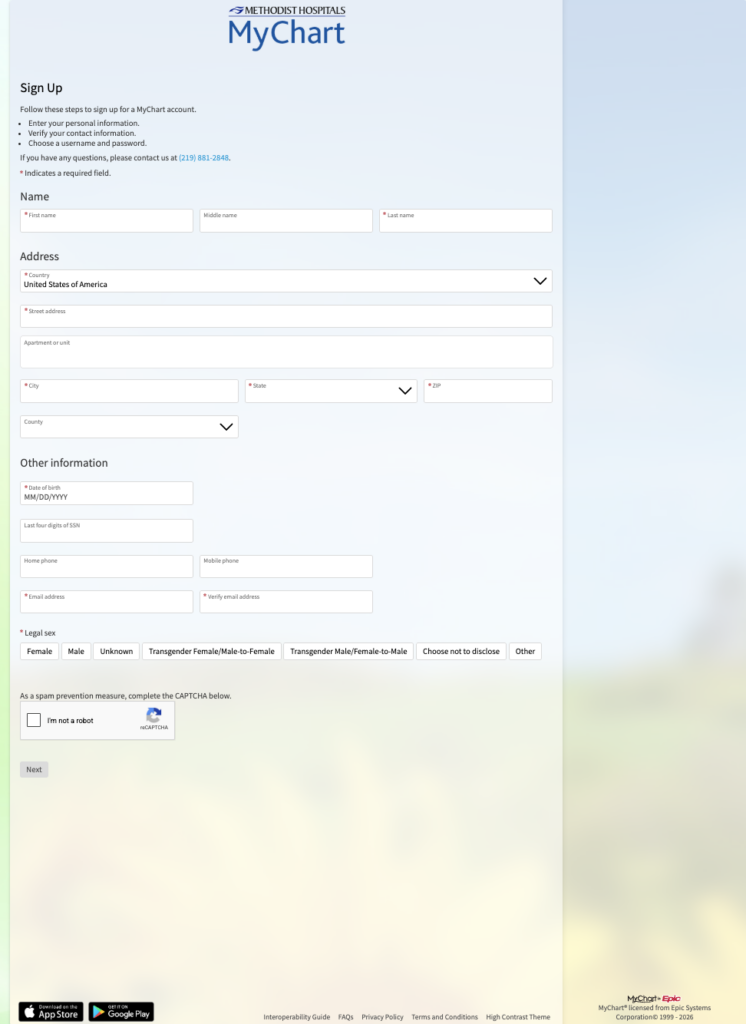
- MyChart Signup – Learn how to create a MyChart account.
- Open Scheduling – Learn how to schedule an appointment, even if you don’t have a MyChart account.
- Two-Factor Authentication – Learn how to use two-factor authentication to log in to MyChart.
- Proxy Access – Learn about proxy access to manage care for family members and inviting someone to have access.